
We're CR Network Solutions, and we install broadband, Wi-Fi, data cabling, CCTV, Starlink and mobile signal boosting for businesses. This is our business broadband explained guide: what actually happens between the network and the socket on your office wall, and why that matters when something goes wrong.
The journey from the exchange to your desk
Your broadband starts at a telephone exchange or a street cabinet owned by the network operator. From there it travels along a line to your building, enters at a master socket, and then gets shared out to your computers, phones and printers. Three separate things have to work: the line outside, the router inside, and the cabling and Wi-Fi that carry the signal around your office.
Most slow-internet complaints we're called out to aren't a problem with the line at all. The connection arriving at the building is fine, and the bottleneck is the last twenty metres — an old router in a cupboard, Wi-Fi fighting its way through a brick wall, or a single cable daisy-chained through three switches. Knowing where the line stops and your own kit starts is the useful bit.
The main ways broadband gets to a business
Full fibre (FTTP)
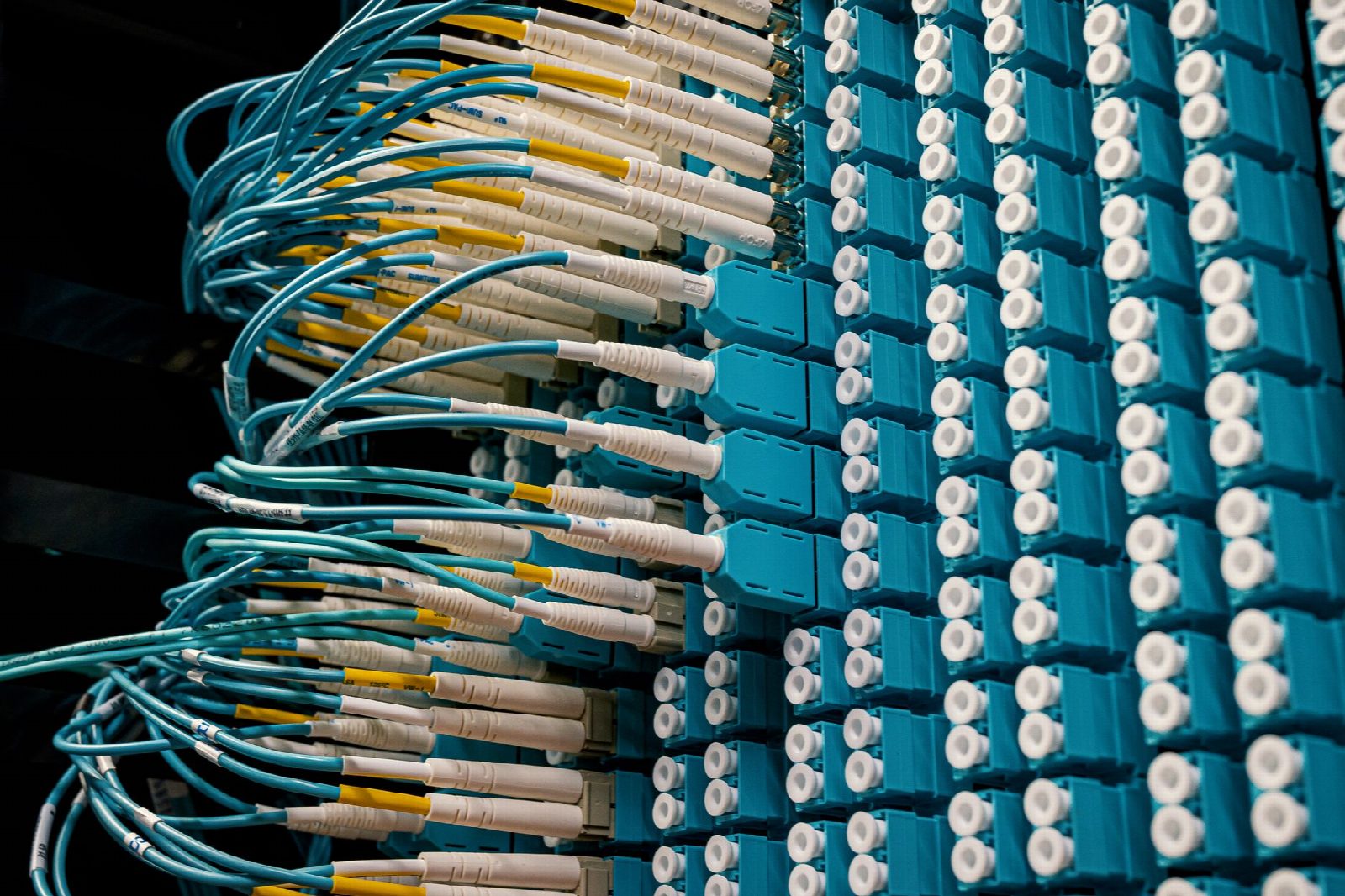
Fibre runs all the way from the network to your building. Light travels down a glass strand into an optical box on your wall, and that box hands off to your router. Because there's no copper in the path, distance from the cabinet stops mattering and upload speeds are usually much closer to download speeds — which matters if you back up to the cloud, run CCTV offsite or do a lot of video calls.
Fibre to the cabinet (FTTC)
Fibre reaches the green cabinet in the street, then copper phone line covers the rest. It works, but the copper section sets the limit. The further you are from that cabinet, the slower it gets, and upload speed is typically a fraction of download. Plenty of trading estates and older high street units still run on this.
Leased lines
A dedicated fibre line just for your business, not shared with anyone else. Speed is the same up and down, and it's the same at 9am and 5pm. It costs more and takes longer to install because the network often has to dig a new route to your door.
Satellite
Starlink puts a dish on your roof that talks to satellites, bypassing ground infrastructure altogether. For rural units, farms, yards and sites where the cable network simply doesn't reach, it's often the practical answer. We cover this on our Starlink installation page.
Mobile
4G and 5G routers pull a signal from a mast. Useful as a backup, for temporary sites, or where a fixed line hasn't been installed yet. Where the signal indoors is weak, mobile signal boosting can make the difference between usable and useless.
If you're weighing these up for your own premises, our broadband solutions page covers what we install.
Shared versus dedicated: why speeds drop at 3pm
Most standard business broadband is contended, which means you share capacity with other premises on the same part of the network. The headline speed is what you might get, not what you're guaranteed. When everyone nearby is online at once, everyone slows down a bit.
A leased line is uncontended — the capacity is yours whether you use it or not. That's the real difference you're paying for, more than the raw number in the advert.
What happens once it's inside the building
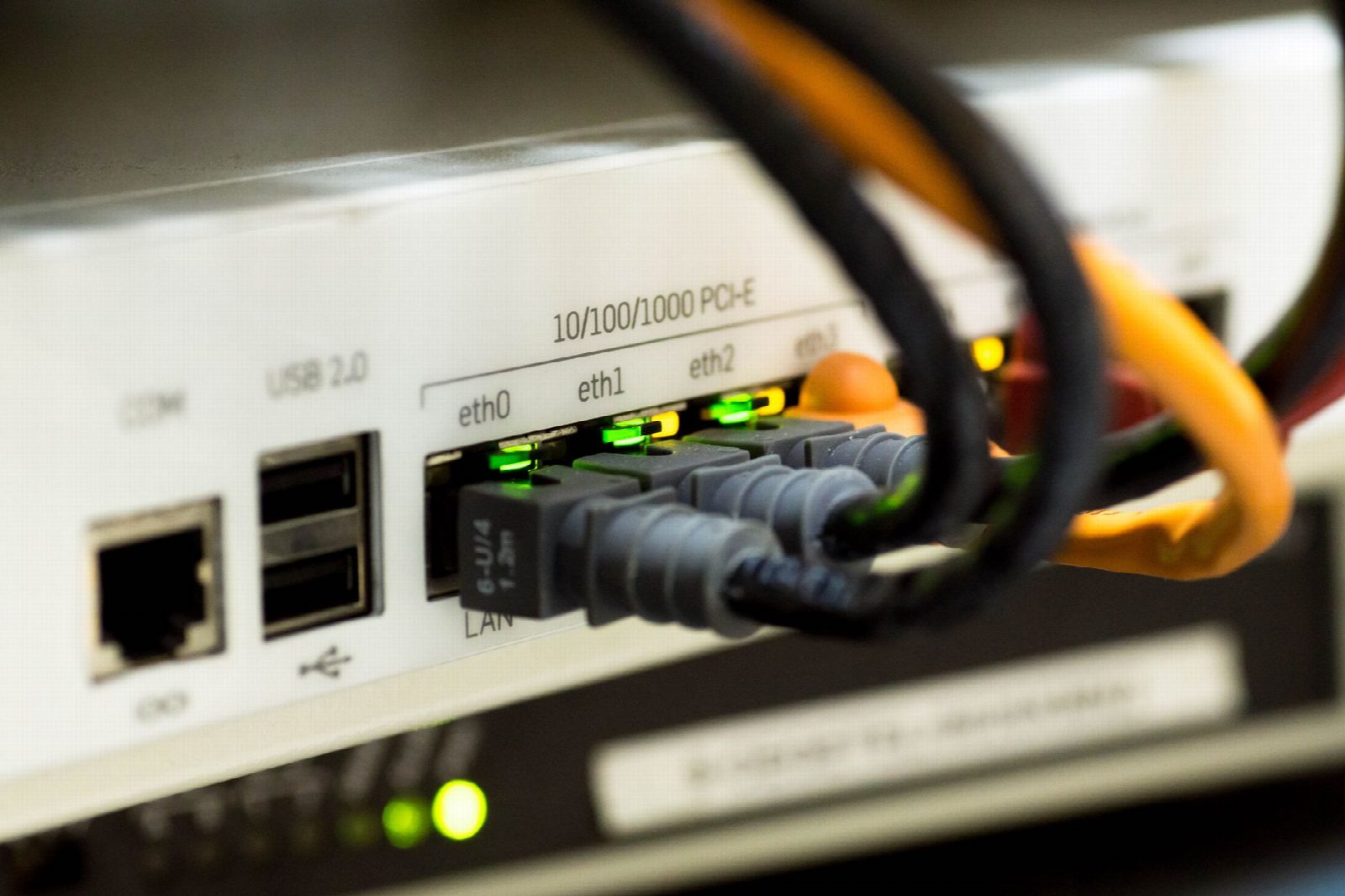
This is the part businesses tend to under-think. The router gives you a handful of ethernet ports and some Wi-Fi, and in a small office that might be enough. In anything bigger, you need structured cabling running from a central point out to desks, access points, cameras and phones.
Proper data cabling infrastructure means every desk has a hard-wired connection back to a patch panel, so you're not relying on Wi-Fi for everything and you can trace a fault to one cable rather than guessing. Wi-Fi then sits on top of that, with access points placed where coverage is actually needed rather than wherever the router happened to land. Our Wi-Fi solutions page goes into how we approach coverage.
Cameras lean on the same cabling. If you're planning CCTV, it's worth running those cables at the same time as the network cables rather than pulling walls apart twice.
Questions worth asking before you sign
Ask what type of connection is actually available at your postcode, not just what's advertised nationally. Ask what the upload speed is, because that's the one that bites when you're sending files out rather than pulling them in. Ask how long installation takes — full fibre and leased lines can involve civil works and a wayleave if a landlord's permission is needed.
And ask what happens if the line goes down. A second connection on a different technology, such as a mobile router or satellite, keeps card machines and phones running while the main line is repaired.
Talk to us
If you want to know what your building can actually get, and what needs doing inside it to make the most of that, get in touch with CR Network Solutions and we'll walk you through the options for your site.