
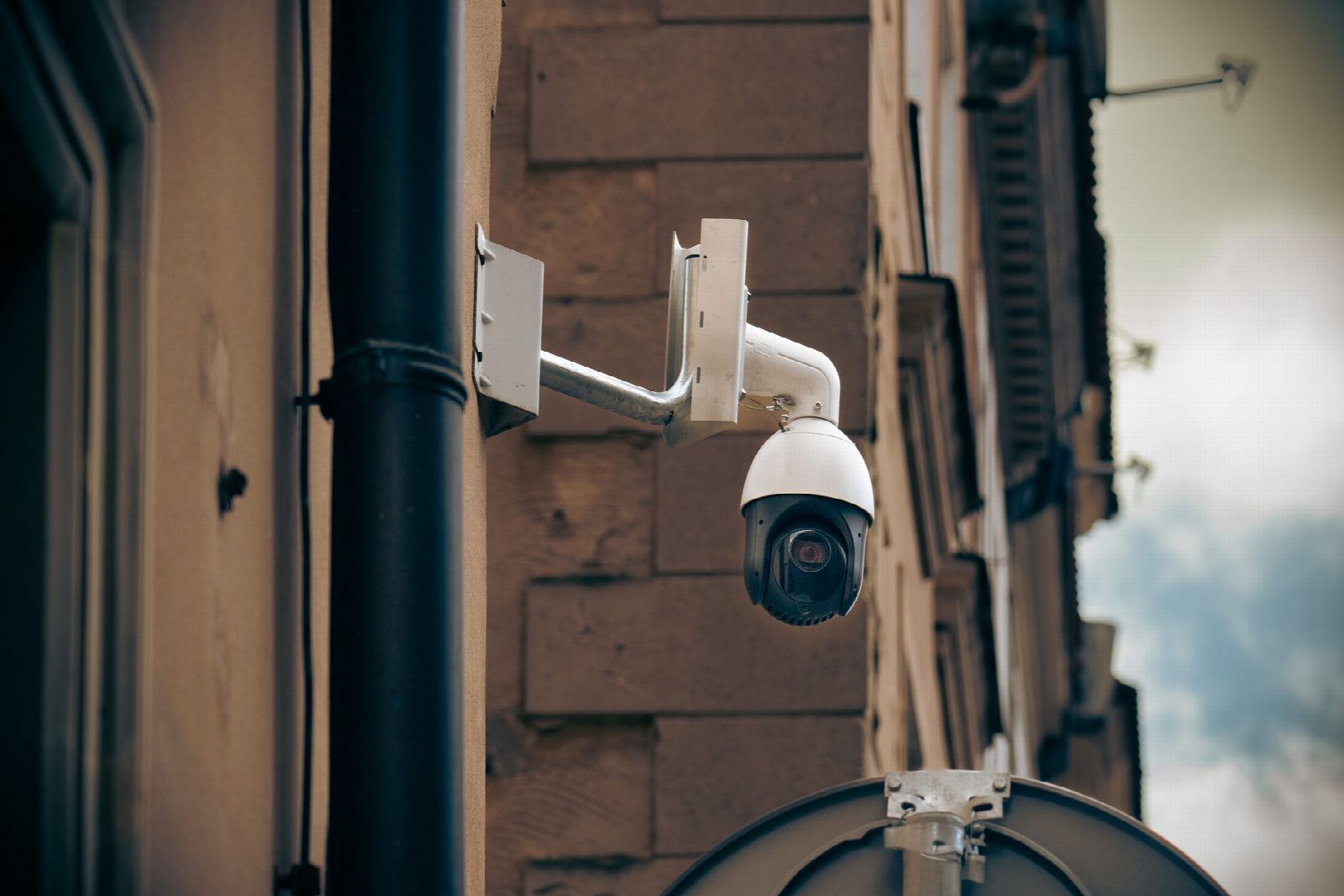
We're CR Network Solutions, and we install and look after CCTV systems alongside broadband, WiFi and data cabling for homes and businesses locally. CCTV maintenance in winter matters more than most people expect, because the months when you lean on your cameras hardest are also the months when dirt, damp and darkness quietly undo them. A camera that looked fine in July can be close to useless by November if nobody's checked it.
Why winter is harder on cameras
The clocks go back and suddenly your cameras are working in near darkness from mid-afternoon until morning. That means infrared illuminators running for most of the day instead of a few hours, lenses picking up spray from passing traffic, and rain finding any gap in a cable gland or junction box.
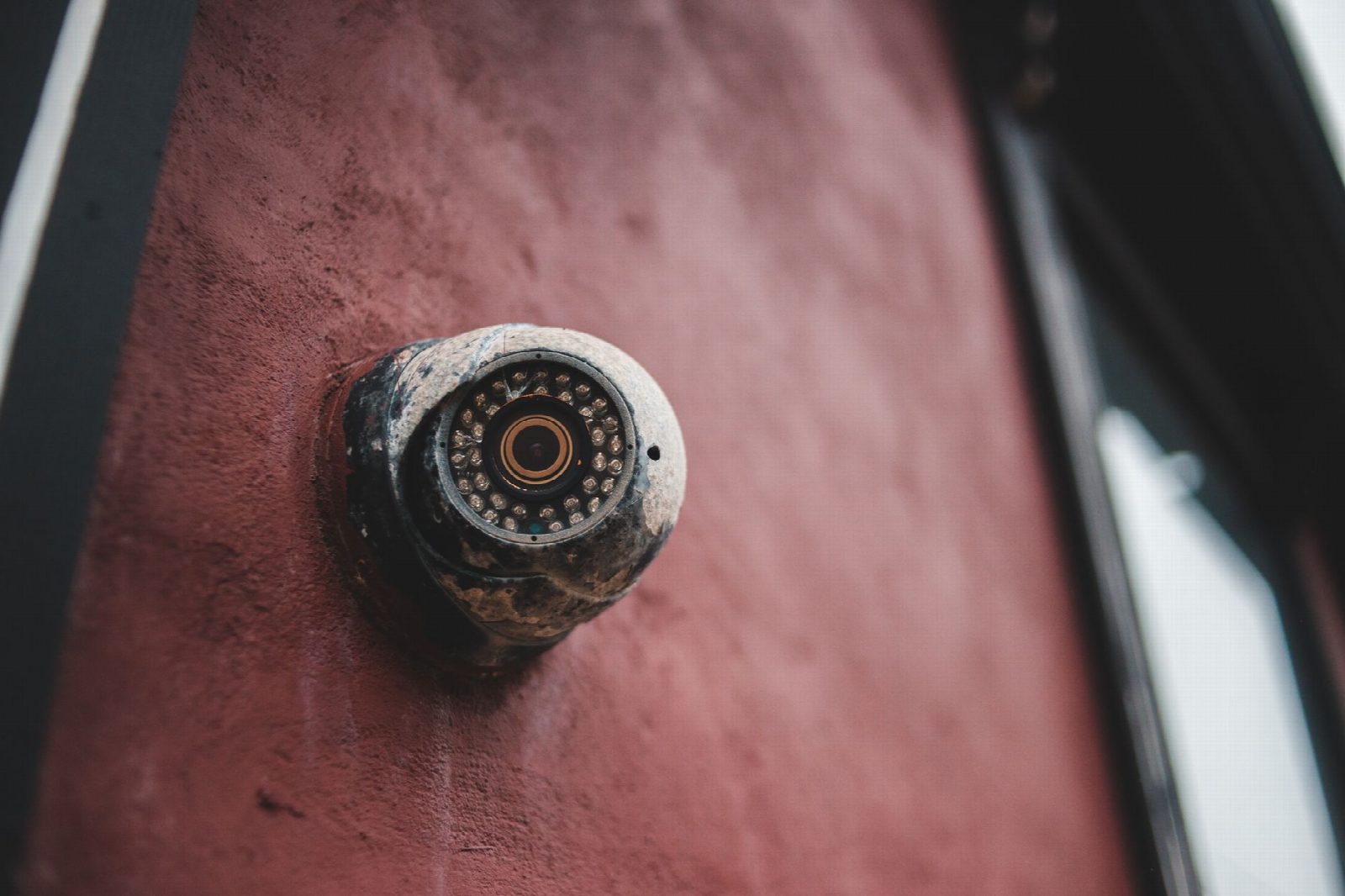
Cold weather also brings condensation. Warm, damp air inside a camera housing hits a cold lens and you get fog on the inside of the glass, which no amount of wiping from outside will fix. Spiders and insects look for sheltered spots too, and a web across a lens turns every IR reflection into a white blur that triggers motion alerts all night.
A practical CCTV maintenance winter checklist
Most of this you can do yourself in an afternoon, as long as you can get safely to the cameras. If any of them are high up or awkward, leave those to us rather than balancing on a ladder in the wet.
Clean the lenses and housings
Use a soft, damp cloth and nothing abrasive. Clear away cobwebs from the whole housing, not just the glass, because webs sitting just in front of the lens still catch infrared and wash out the picture. Check the sun shield or hood is still firmly in place, since that's what keeps rain off the glass between cleans.
Watch each camera in the dark
Daytime images tell you very little. Pull up every camera after dark and look at what you actually get. You're checking that the infrared kicks in, that faces and number plates are readable at the distances you care about, and that nothing nearby is reflecting IR straight back into the lens, like a white wall, a wheelie bin or a glossy door.
Check for condensation and seals
If you see fog or droplets inside the glass, the housing seal has failed or the cable entry isn't sealed properly. Water inside a camera doesn't get better on its own. Have a look at where the cable enters the camera and where it enters the building, and make sure cable clips still hold everything tight against the wall rather than letting it flap in the wind.
Confirm you're actually recording
Plenty of systems look live on screen while recording quietly stopped weeks ago. Go back through footage from a few days ago on every single channel, not just the one over the front door. Check how many days of recording you're keeping, because longer nights with more motion events eat storage faster, and a drive that held three weeks in summer might hold ten days in winter.
Check lighting and camera angles
Trees that were full of leaves in summer are bare now, which can change what a camera sees for better or worse. Security lights that come on and off can cause the camera to flick between colour and night modes repeatedly, which is hard on the picture. Make a note of any view that's changed since the system went in, and we can look at re-aiming or repositioning.
Don't forget the network side
Most modern CCTV runs over your network, which means the cameras depend on your cabling, your switch and your internet connection. If you want to view footage remotely from your phone while you're away over the winter break, that only works while your broadband is up and the upload speed holds.
We deal with this side of things too. Poor or damaged data cabling is a common reason cameras drop out intermittently, especially where runs go outside or through a loft and have been nibbled or pinched. If your cameras sit at the far end of a site, or in an outbuilding, WiFi solutions or a proper cabled link can be the difference between reliable footage and gaps at the worst possible moment.

Signs your system needs more than a clean
Some problems aren't maintenance, they're a sign the kit has reached its limit. Pictures that are grainy and smeared at night even after cleaning usually mean the sensor or the IR illuminators have aged. Cameras that reboot on their own, channels that go black and come back, or a recorder making clicking noises all point to hardware rather than dirt.
It's also worth being honest about coverage. If the camera over the gate shows somebody was there but never shows who, no amount of winter maintenance will change that. Different lens, different mounting height or a camera with better low-light performance is the answer.
Book it before the clocks change
The sensible time to sort all this is before you need it, not after something's happened and you're scrubbing through dark, blurry footage hoping for a clear frame.
If you'd like us to check over your cameras, recording and cabling before the dark nights set in, get in touch with CR Network Solutions and we'll arrange a visit.